
How to Automate an Internal Invoice Reminder
Trigger an internal task when an invoice is still open at an agreed point. Check the current balance and status before notifying someone, and close the task when the invoice is resolved.
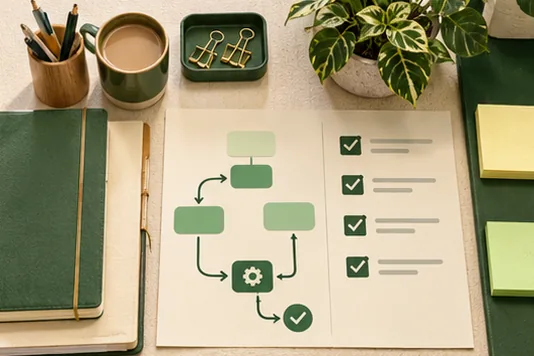
Choose reliable status checks
An invoice could be overdue, part-paid, disputed or subject to an arrangement. Let the current accounts record drive the reminder. If bank reconciliation runs once a day, wait until that check is complete before generating new tasks.
Give the reminder a useful destination
Send the responsible person a link to the invoice, the date and the next action. Use an internal reminder while you test. This gives staff time to check whether the payment has arrived or a conversation is already in progress.
See the guide to automating website enquiry follow-up to see how the records, acknowledgement and next action fit together. For more support, see Gecko Gully’s automation guides.
What you can do today
Decide what the workflow should do with an overdue invoice that has a payment arrangement.
Frequently asked questions
Should an internal reminder email the customer?
Keep the initial workflow internal. If you later add customer reminders, agree which invoices and circumstances are eligible first.
Can a reminder go out after payment?
It can if the source status is stale. Check the latest balance and test timing against your normal reconciliation cycle.