
How to Monitor a Small Business Automation
Name someone to respond to errors, log failed or delayed runs and compare the input with what reaches the final destination. Test the recovery process before relying on it.
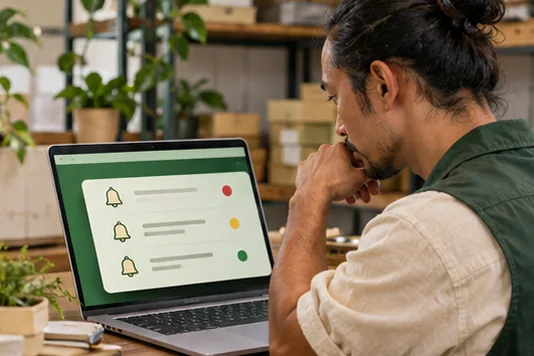
Watch the result as well as errors
A daily count of web form submissions and CRM enquiries can reveal a gap even if every reported run looks successful. Check whether a drop is expected before assuming the integration is broken.
Write the first recovery action
If the CRM rejects a submission, show the owner where to find that submission and how to retry once the issue is fixed. Check whether the original customer acknowledgement already sent before triggering another.
See the guide to automating website enquiry follow-up to see how the records, acknowledgement and next action fit together. For more support, see Gecko Gully’s automation guides.
What you can do today
Check that someone knows the first action to take when one live workflow fails.
Frequently asked questions
Do I need a dashboard for one simple workflow?
A named owner, usable alerts and a short recurring check can be enough. Add a dashboard if it helps you see a pattern.
What should an alert contain?
Include the workflow, time, reference and next step. Keep customer information in the system the owner is entitled to access.